
Realm news
Meet the Jewel Vault: More Space, Less Sorting
Your jewels, one account-wide collection, zero vault space used. Deposit every jewel in your inventory with one click, withdraw in bulk, or Ctrl-click to move one at a time.
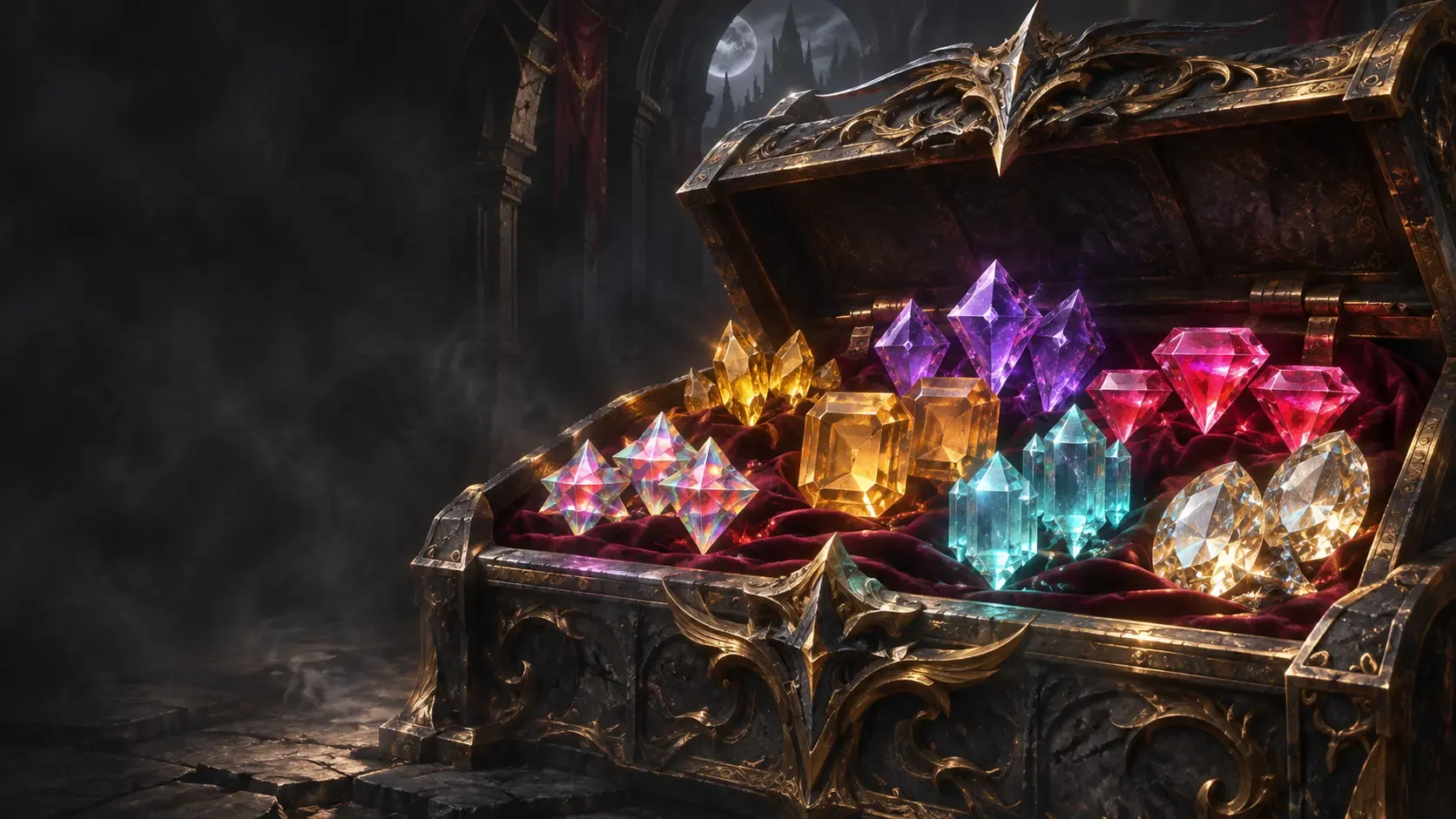
Jewels should help you progress, not fill your vault. The Jewel Vault keeps them in a dedicated, account-wide tab without using regular vault space.
It is one of Zenoria’s biggest quality-of-life features: less sorting, fewer transfers, and more room for everything else.
Deposit everything in one click
Open your vault, select the Jewels tab, and press Deposit jewels. All jewels in your inventory move into your account’s shared collection.
Each jewel type has its own entry and count, so you can see what you have at a glance.
Take out exactly what you need
Select a jewel type and press Withdraw to withdraw in bulk.
For quick, single-jewel transfers:
- Ctrl-click a jewel in the Jewels tab to withdraw one into your inventory.
- Ctrl-click a jewel in your inventory to deposit one into the Jewel Vault.
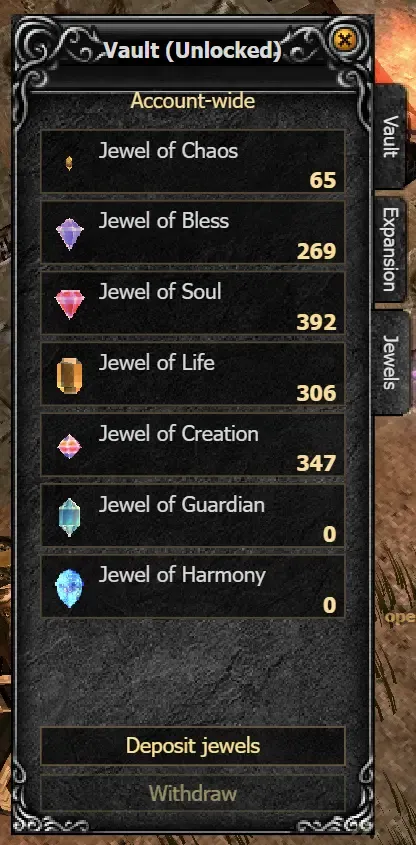
Shared across your account
Every character on your account can access the same Jewel Vault. Deposit with one character and withdraw with another, without moving jewels through your regular vault.
Whether you are saving for upgrades or clearing space after a hunt, your jewels stay together and ready to use.
More room for loot. Less time managing it.